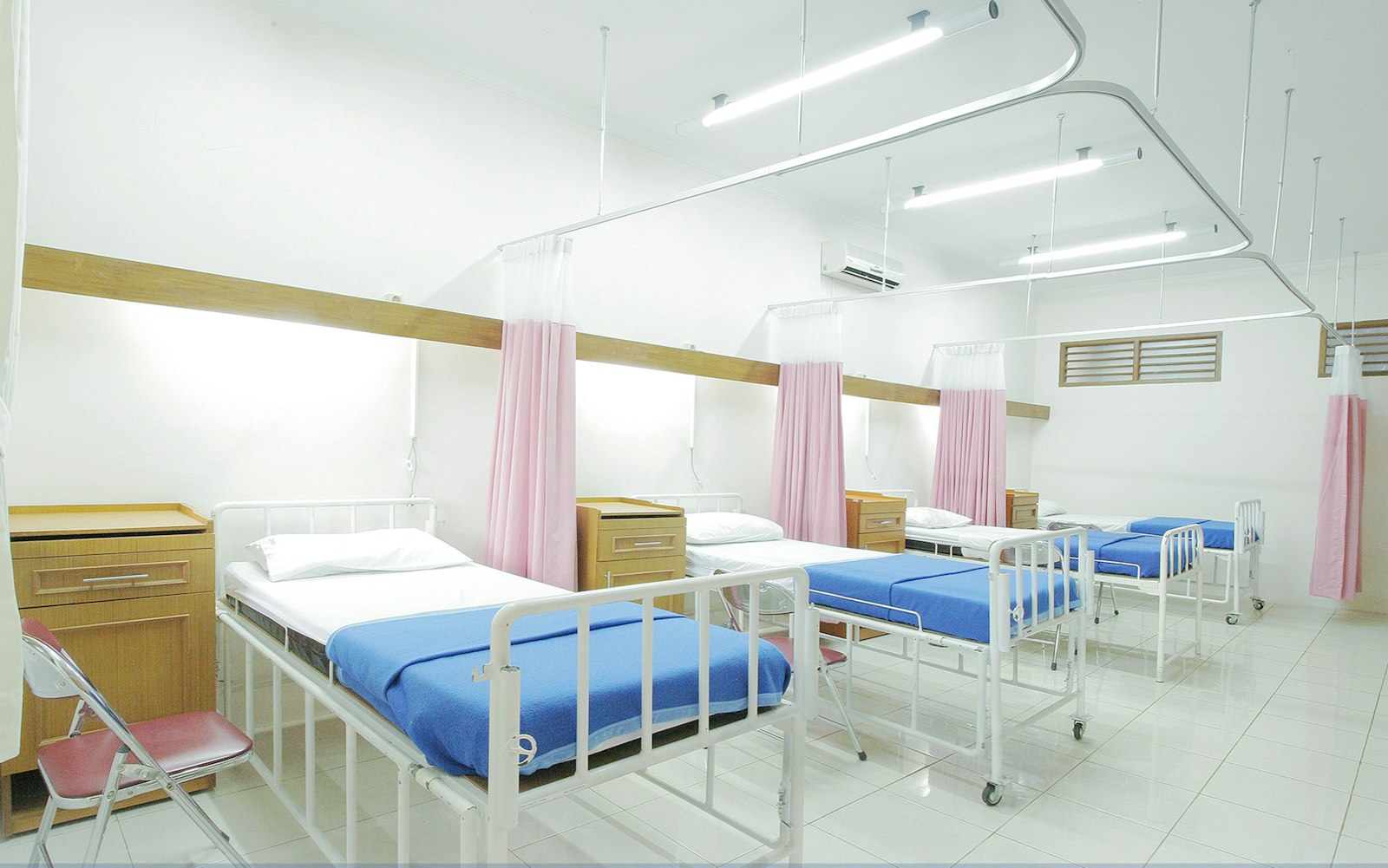
A bed management system for a hospital answers one question at any moment: which beds are occupied, which are free, which are being cleaned, and which are promised to a patient who is on the way. IPD management software builds on that answer to run the whole inpatient stay: admission, ward rounds, transfers, orders, nursing, billing and discharge.
In many Indian hospitals that question is still answered by phone. The admission desk calls the ward, the ward calls housekeeping, and someone walks down the corridor to check. Meanwhile a patient waits in casualty for a bed that has been empty for an hour.
This guide covers what IPD and bed management software should do, the bed states that matter, how to cut bed turnaround time, the reports owners actually need, and a checklist you can use when choosing a system.
Why beds sit empty while patients wait
Bed shortages are often information shortages. A typical hospital has a few beds at any time that are physically free but not visible as free to the people admitting patients. The causes are predictable.
- Discharge is ordered in the morning, but the patient leaves in the evening because billing or the summary is not ready.
- The bed is vacated, but housekeeping is not told until someone notices.
- The bed is cleaned, but the ward does not update the register, so admissions still sees it as occupied.
- A transfer from ICU to ward is planned, but the ward bed is not reserved, so it is given to someone else.
- Bed categories (general, semi-private, private, ICU) are tracked on a whiteboard that only one person updates.
Each of these is a hand-off between departments. A hospital bed management system works by making every hand-off a status change that everyone can see.
The bed states your system must track
A bed is not just occupied or free. To manage flow you need a small, clear set of states, and the system should know who moves a bed from one state to the next.
| Bed state | Meaning | Who changes it |
|---|---|---|
| Available | Clean, ready, unassigned | Housekeeping or ward in-charge |
| Reserved | Held for a planned admission or transfer | Admissions desk |
| Occupied | Patient in bed | Admissions or ward nurse |
| Discharge ordered | Doctor has signed the discharge order | Treating doctor |
| Vacated | Patient has physically left | Ward nurse |
| Cleaning | Housekeeping working on it | Housekeeping |
| Blocked | Out of use for maintenance or isolation | Ward in-charge |
The "discharge ordered" state is the one most systems skip, and it is the most useful. It tells admissions which beds will be free in the next few hours, so planned admissions can be scheduled instead of waiting until a bed is actually empty.
What IPD management software should cover
Bed status is the foundation, but IPD management covers the whole stay. A connected system ties these together so that each department works from the same patient record.
- Admission: admission request from OPD or casualty, bed category, deposit, consent forms, insurance or TPA details.
- Bed allocation: live bed board by ward, floor and category, with reservation and tariff linked to the bed.
- Ward rounds: doctor notes, progress notes, orders and medication changes recorded at the bedside.
- Nursing: care tasks, vitals, medication administration and shift handover tied to the patient.
- Transfers: ward to ICU, ICU to ward, bed change, with tariff and nursing assignment changing automatically.
- Orders and services: lab, radiology, pharmacy indents, procedures and consultations charged at source.
- Billing: running bill visible at any time, deposits, package tracking and insurance limits.
- Discharge: discharge order, clearances, summary and final bill, closed in parallel rather than one after another.
Nursing and discharge are big enough to need their own guides. See our posts on the nursing management system and on how to reduce discharge time.
Admissions without the casualty bottleneck
The admission desk is where IPD flow starts, and where many hospitals lose the first hour. A good admission process in the software looks like this.
- The OPD doctor or casualty doctor raises an admission request with the reason, expected stay and bed category.
- The admission desk sees the request, the live bed board and the patient's insurance status on one screen.
- A bed is reserved immediately, even if it is still being cleaned, so it is not given away.
- Deposit, consent and insurance pre-authorisation are started in parallel, not one after the other.
- The ward is notified the moment the bed is assigned, so the nurse can prepare.
For insured patients, the pre-authorisation request to the TPA or insurer should start from the admission screen with the doctor's notes attached. Our guide to insurance and TPA claims management covers that workflow in detail.
Cutting bed turnaround time
Bed turnaround time is the gap between one patient leaving and the next patient being able to use the bed. It is one of the most controllable numbers in a hospital, and most hospitals have never measured it.
A bed management system makes it measurable by timestamping each state change. Once you can see it, the fixes are straightforward.
- Notify housekeeping automatically when the ward nurse marks a bed as vacated.
- Show housekeeping a prioritised list: beds with a reserved patient waiting come first.
- Let housekeeping mark "cleaning started" and "ready" from a phone, not by calling the ward.
- Alert the ward in-charge if a bed has been in "vacated" or "cleaning" longer than your agreed target.
- Review turnaround by ward and by shift every week.
A worked example helps. Suppose a 120-bed hospital discharges 20 patients a day, and each bed sits unused for an average of three hours after the patient leaves. That is 60 bed-hours lost daily, or roughly two and a half beds' worth of capacity. Cutting turnaround to one hour recovers most of that without adding a single bed.
Transfers, tariffs and the running bill
Transfers are where IPD billing goes wrong. A patient moves from a private room to ICU at 11 pm, back to a ward two days later, and the bill has to reflect each bed category, the nursing charges and any doctor visit fees that change with the room.
The software should handle this automatically.
- Every transfer records the time, the from-bed and to-bed, and the reason.
- Room tariff, nursing charges and visit fees switch at the transfer time based on your tariff rules.
- Package patients stay within package limits, with alerts when they cross them.
- The running bill is always current, so the family can be told the amount at any point.
- Insurance limits are tracked against the running bill, so an enhancement request goes to the TPA before the limit is crossed.
Charge capture at source is the principle behind this. We go deeper on it in our guide to hospital billing software.
Reports owners and administrators actually use
IPD software produces many reports. A few matter every day.
| Report | What it tells you | Review frequency |
|---|---|---|
| Live bed board | Occupied, free, cleaning and reserved beds by ward | Continuously |
| Bed occupancy rate | Occupied bed-days as a share of available bed-days | Daily and monthly |
| Average length of stay | Average days per admission, by department | Weekly |
| Bed turnaround time | Time from vacated to available | Weekly |
| Discharge order to exit | How long patients wait after discharge is ordered | Daily |
| Pending admissions | Patients waiting for a bed, and for how long | Continuously |
Occupancy and length of stay are standard metrics, but the last two rows are where operational gains hide. If you want to see these on a live dashboard rather than in spreadsheets, our health data analysis work covers which numbers to put on the owner's screen.
Bed management system checklist
Use this when comparing vendors or scoping a build. Ask the vendor to demonstrate each item with a realistic ward layout.
- Live bed board by ward, floor and category, on desktop and mobile
- Bed states including reserved, discharge ordered, vacated and cleaning
- Admission request from OPD and casualty with bed category and expected stay
- Deposits, consent and insurance details captured at admission
- Transfers with automatic tariff and nursing changes
- Housekeeping task list with mobile status updates
- Timestamps on every state change, with turnaround reports
- Running bill visible to billing, the ward and, where you choose, the family
- Integration with nursing, pharmacy, lab and discharge modules
- Role-based access and an audit trail on bed and tariff changes
Building IPD software that fits your wards
Every hospital's wards run differently. A maternity hospital needs mother and baby linked, a psychiatric hospital needs longer stays and different ward rules, and a multi-specialty hospital needs ICU, HDU, step-down and day-care beds handled differently.
That is why we build IPD and bed management as part of a wider hospital management system shaped around each hospital's wards, rather than forcing a fixed template. At Algon, the first step is always a walk through the actual admission-to-discharge path with the ward in-charge and admissions team, to see where beds and patients wait. If your IPD data needs to feed other systems, such as insurance portals or ABDM, our healthcare integration work covers those connections.
Conclusion
A hospital bed management system pays for itself when it turns invisible beds into visible ones. Track a clear set of bed states, make every hand-off a status change, measure turnaround and discharge-to-exit time, and connect IPD with nursing, billing and discharge. The result is shorter waits in casualty, fewer billing errors on transfers, and an occupancy number you can trust.
Frequently asked questions
What is a bed management system in a hospital?
It is software that tracks the live status of every bed (available, reserved, occupied, discharge ordered, vacated, cleaning, blocked) so admissions, wards and housekeeping work from the same picture.
What is the difference between IPD software and bed management?
Bed management is one part of IPD software. IPD software covers the whole inpatient stay: admission, ward rounds, nursing, transfers, orders, billing and discharge, with bed status as the foundation.
How is bed occupancy rate calculated?
Divide occupied bed-days in a period by available bed-days in the same period and multiply by 100. For example, 2,700 occupied bed-days out of 3,000 available is 90 percent occupancy.
What is bed turnaround time?
It is the time between a patient vacating a bed and the bed being clean and available for the next patient. Timestamped bed states in the software make it measurable.
How does IPD software handle ICU transfers in billing?
Each transfer records the time and the new bed, and the system switches room tariff, nursing charges and visit fees from that moment based on your tariff rules, so the running bill stays accurate.
Can housekeeping update bed status from a phone?
Yes, in a well-designed system. Housekeeping receives a prioritised task list and marks cleaning started and bed ready from a mobile screen, which updates the bed board instantly.