
What is frontend development?
Frontend development is building the part of software that people see and use: the screens, forms, tables and navigation that run in a browser or on a phone. It covers layout, interaction, accessibility and performance, and how the interface exchanges data with the backend.
For software used all day, the frontend decides how much work gets done. A form with needless steps costs the front desk time on every patient; a slow page costs a nurse time on every round. We design around the most frequent tasks, test with the people who do them and measure speed on real devices.
We build in React, Next.js and TypeScript, on a design system your team can extend, so new screens look and behave like the ones before them.
- How long does your most common task take, click by click?
- Which devices and screen sizes do staff really use?
- Can every user operate it, including by keyboard or screen reader?
How we build a frontend
We design from how people actually use the product, then build reusable components, test them on real devices and measure what changes after release.
1. Watch the work
We observe the people who use the screens and list their most frequent tasks.
2. Design the flows
Wireframes and clickable prototypes, checked with the people who will use them.
3. Build the components
The design system first, then screens assembled from it, so everything stays consistent.
4. Test on real devices
Speed, accessibility and usability checked on the hardware your staff actually have.
5. Release and measure
Screens released in stages, with feedback from users shaping the next round.
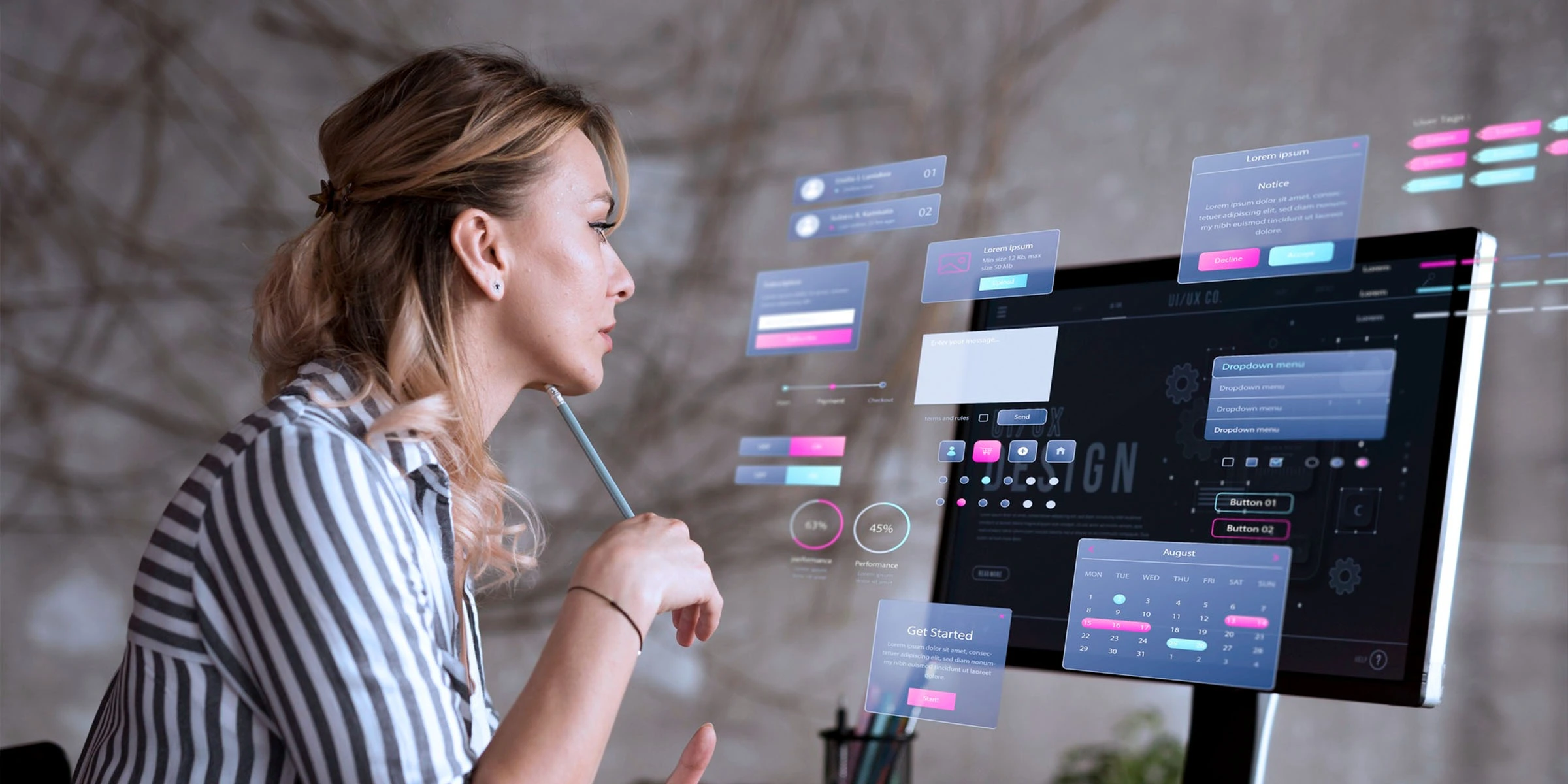
Why staff-facing screens frustrate
Staff rarely complain about the backend. They complain about the screen in front of them.
Designed for the demo
Screens look good in a sales meeting but bury the task staff repeat all day.
Slow on real hardware
Built and tested on fast laptops, then used on older desktops and shared tablets.
Desktop only
Nurses on rounds and staff in the field are stuck with screens that don't fit a phone.
Accessibility ignored
Low contrast, small targets and no keyboard support make the system harder for everyone.
Every screen different
Without a design system, each new feature invents its own buttons and patterns.
Errors explained badly
Messages that don't say what to fix send staff to the phone or to a colleague.
What we build
- 01
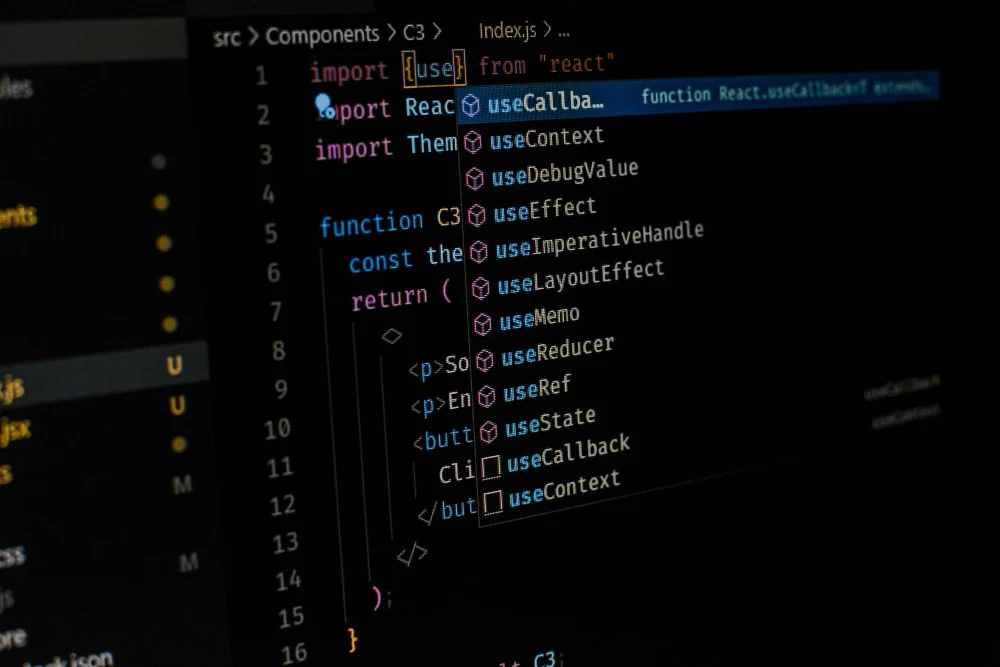
Staff workspaces
Front desk, nursing and operations screens built around the most frequent tasks.
- 02

Design systems
Shared components, design tokens and patterns in code, documented so your team can extend them.
- 03

Responsive and mobile
Interfaces that work on desktops, tablets and phones, including for staff on the move.
- 04
Accessibility
Contrast, keyboard navigation, focus states and screen reader support, built in and guided by WCAG.
- 05

Performance work
Faster loading and interaction through rendering choices, caching and smaller bundles.
- 06

Frontend rebuilds
Older interfaces moved to React, Next.js and TypeScript, screen by screen, without touching a working backend.
Checks on every staff-facing screen
Before release, each main screen is checked against how it will be used across a full shift.
| Check | Why it matters in daily use |
|---|---|
| Clicks to complete the most common tasks | Repeated steps add up over a shift |
| Speed on the slowest device in use | Staff rarely get the newest hardware |
| Keyboard-only operation | Front desk staff work faster without reaching for the mouse |
| Contrast and text size | Screens are read under ward lighting and at the end of long shifts |
| Error messages | Each one should say what went wrong and how to fix it |
| Behaviour on a phone | Rounds, field visits and site work happen away from a desk |
Frontend tools we use
Frameworks
- React
- Next.js
- React Native
- Flutter
Language
- TypeScript
- JavaScript
Styling
- Tailwind
- Design tokens
- Component libraries
Testing
- Playwright
- Accessibility audits
Delivery
- Vercel
- Cloudflare
- GitHub Actions
A responsive website in one week
Designed and built in one week for phones and desktops alike. Site visits grew from 12 to 44 a month.

A Portfolio Website Engineered as a Sales Tool
A responsive project portfolio with structured enquiry capture and search foundations, shipped in one week.
- 1 wk
- Concept to launch
- 44/mo
- Site visits after launch, up from 12
- 1
- Integrated enquiry system
Where to go next
React JS
React JS development for staff dashboards, front desk and ward screens, and customer apps. Component systems, Redux Toolkit, accessible forms and React Native.
Learn moreNext JS
Next.js development for fast, search-friendly websites and web apps: server rendering, static pages, App Router, Auth.js or Clerk, deployed on Vercel or your cloud.
Learn moreTypeScript
TypeScript development across frontend and backend: shared types between API and UI, safer refactors and maintainable systems handed over to your own team.
Learn more
Frequently asked questions
React and Next.js with TypeScript are our default for the web. For mobile apps we use React Native or Flutter.
Yes. We build from your designs, and flag where a design will be slow or hard to use before we code it.
Usually, yes. If the backend has a usable API, we can replace the interface screen by screen.
We follow WCAG guidance on contrast, keyboard use, focus and screen readers, and test for it before release.
We test on the devices your staff actually use, and tune performance for the slowest of them.
Yes. Components and their documentation are part of the code you own, per your contract terms.
Is there a screen your team dreads?
Tell us who uses it and what they do there. We will show you where the time goes.
Or write directly to support@algonsolutions.com