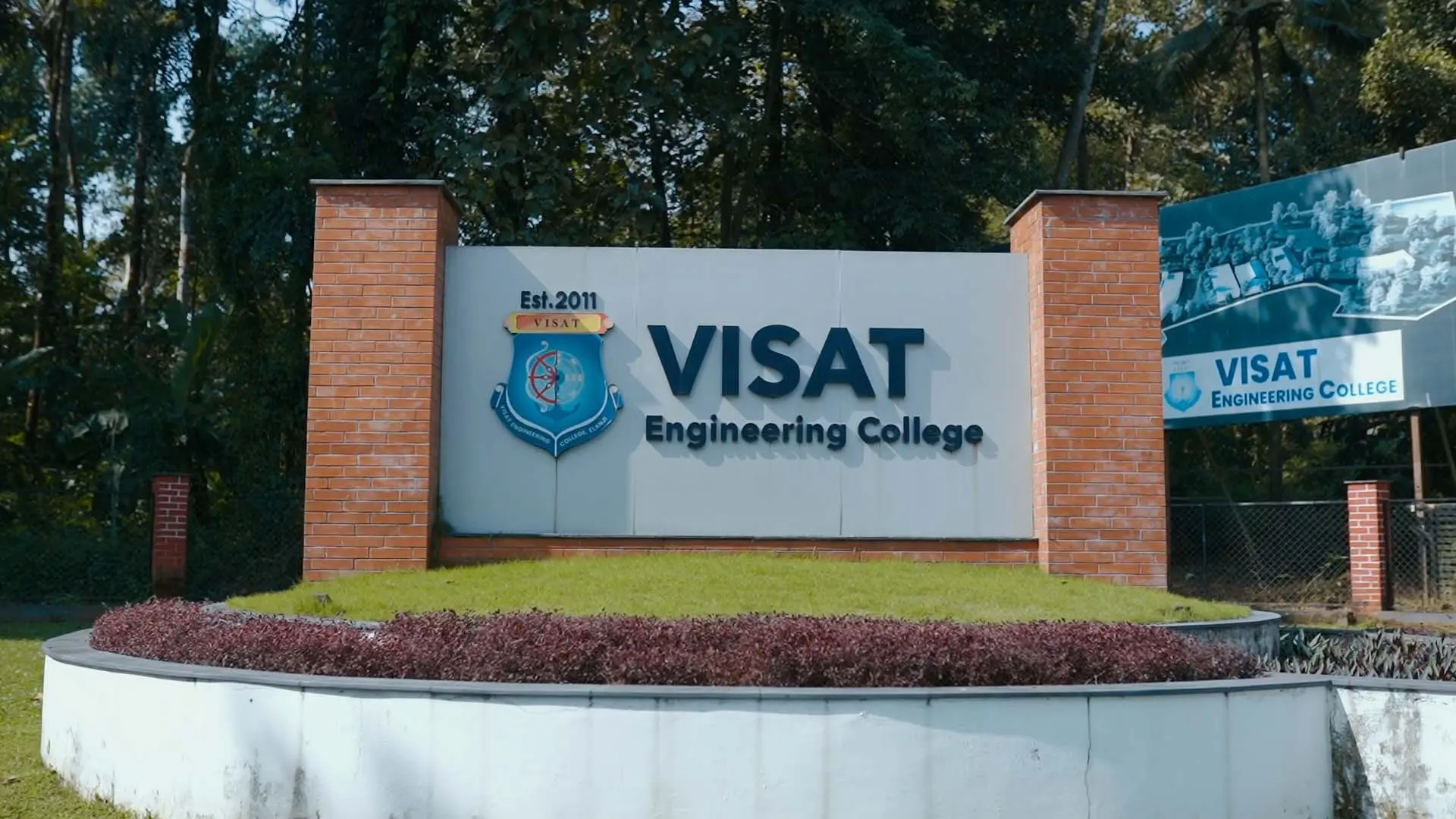
Campus Platform: 360° Virtual Tour
Overview
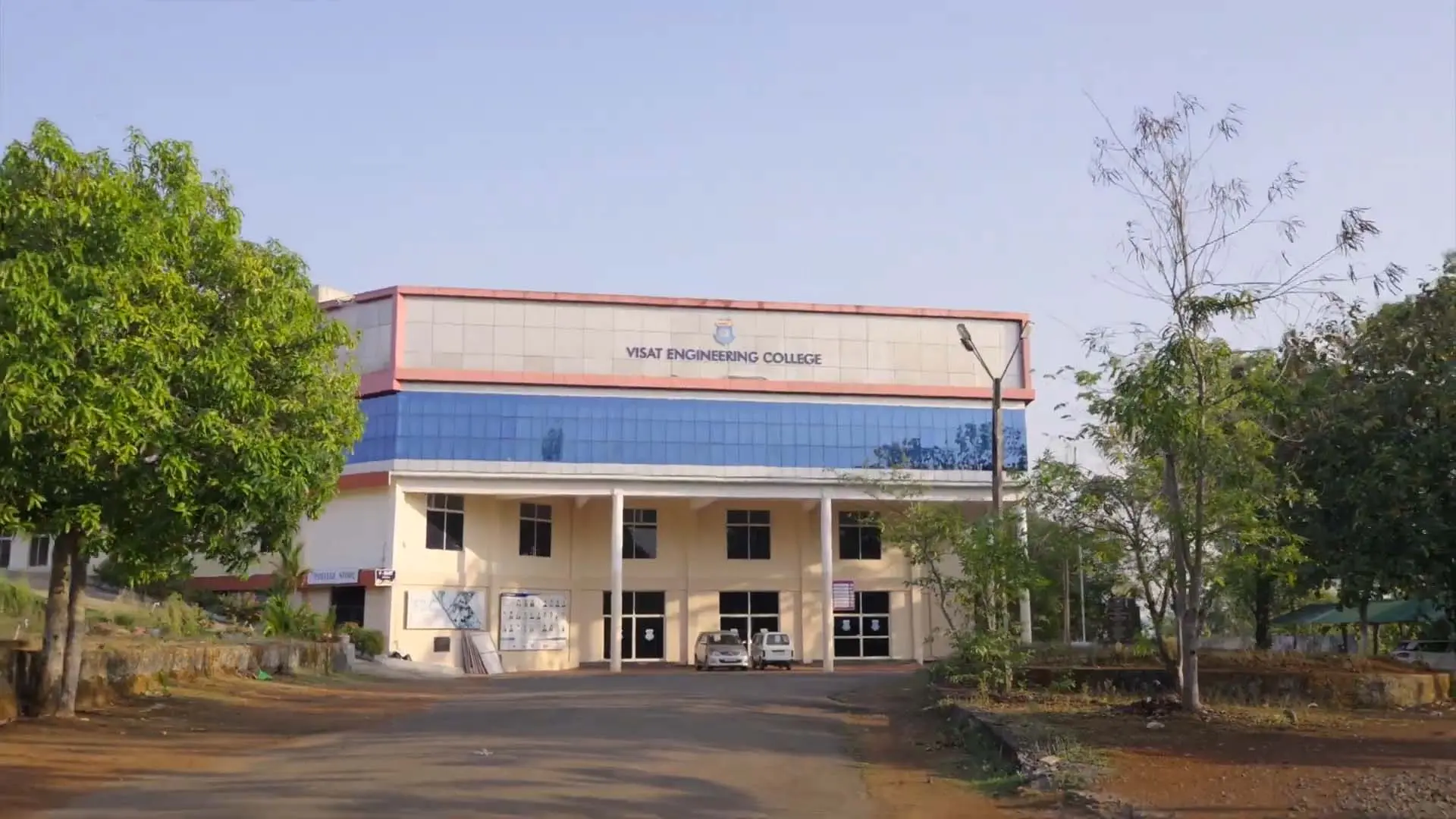
For many applicants the first visit to a campus is online, often from another district or state. Algon built an immersive 360° campus view into the institution's platform, letting visitors move between buildings, labs and common spaces as if walking through them. The tour is part of the same responsive site, so it works on a phone as well as on a desktop.
Campus view
Full platform build
Responsive
Delivery phases
The challenge
we had to solve
Photo galleries flatten a campus: they show rooms but not how places connect, and they give no sense of scale. Full 360° imagery solves that but is heavy: high-resolution panoramas can stall a page on a mobile connection and drain a phone's battery if rendered carelessly. The tour had to feel immediate on mid-range Android devices without compromising the rest of the site's load time.
How we
approached it
Campus locations were captured as equirectangular 360° panoramas and rendered in a WebGL panorama viewer, with hotspots placed in each scene to link to neighbouring locations and to the relevant department pages. Images load progressively (a low-resolution preview first, sharper tiles as the visitor looks around), and scenes are lazy-loaded only when a hotspot is approached, keeping the initial page within a fixed performance budget. On mobile the view responds to the device's gyroscope, so visitors can look around by moving their phone, with touch-drag as a fallback.
Equirectangular Capture
Each location captured as a full 360° panorama, mapped onto a sphere for natural look-around viewing.
Hotspot Navigation
In-scene hotspots link locations into a walkable route and connect places to their department pages.
Progressive Loading
Low-resolution previews first, sharper tiles on demand, and scenes lazy-loaded only when needed.
Mobile-First Viewing
Gyroscope look-around on phones, touch-drag fallback, and a layout that adapts to any screen.
Four phases
zero shortcuts
Route Planning
Chose the locations to capture and mapped how visitors should move between them.
Viewer Build
Integrated a WebGL panorama viewer and rendered equirectangular scenes on a sphere.
Hotspots & Linking
Placed navigation hotspots in each scene and linked them to other scenes and department pages.
Performance Tuning
Added progressive and lazy loading, gyroscope controls and mobile testing against a performance budget.
The work,
in full resolution
Drag to explore. Click to open full screen.
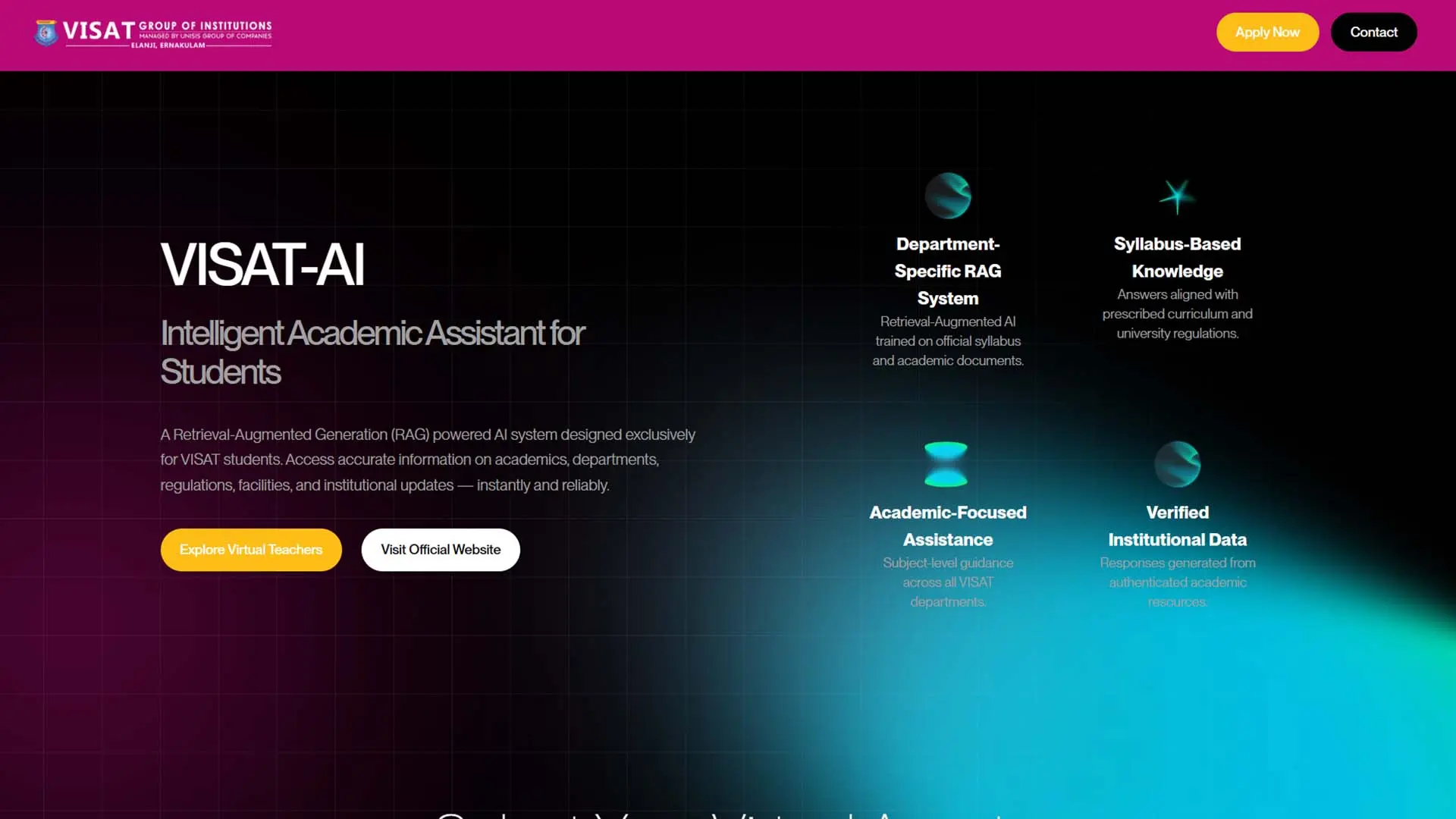
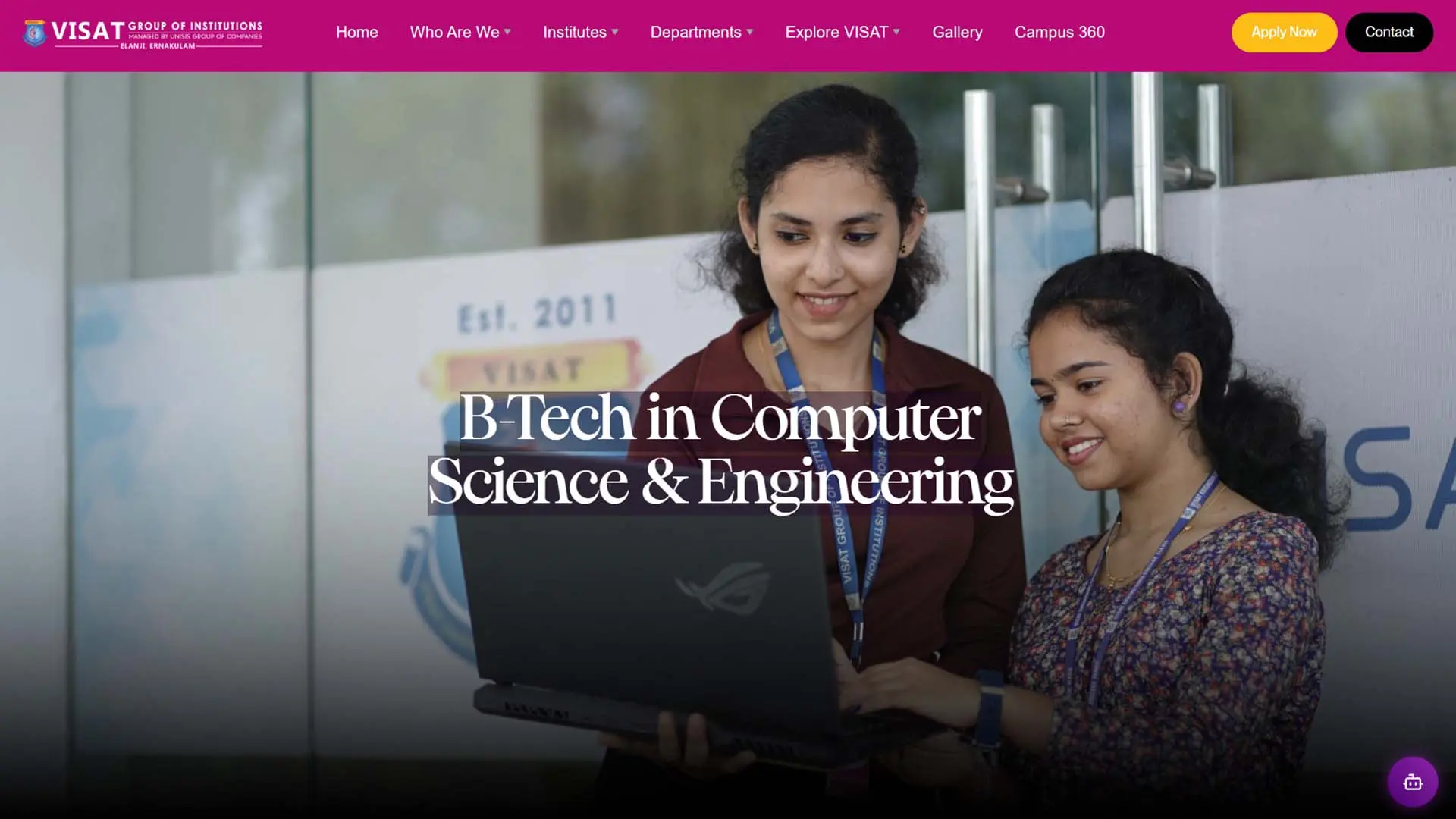
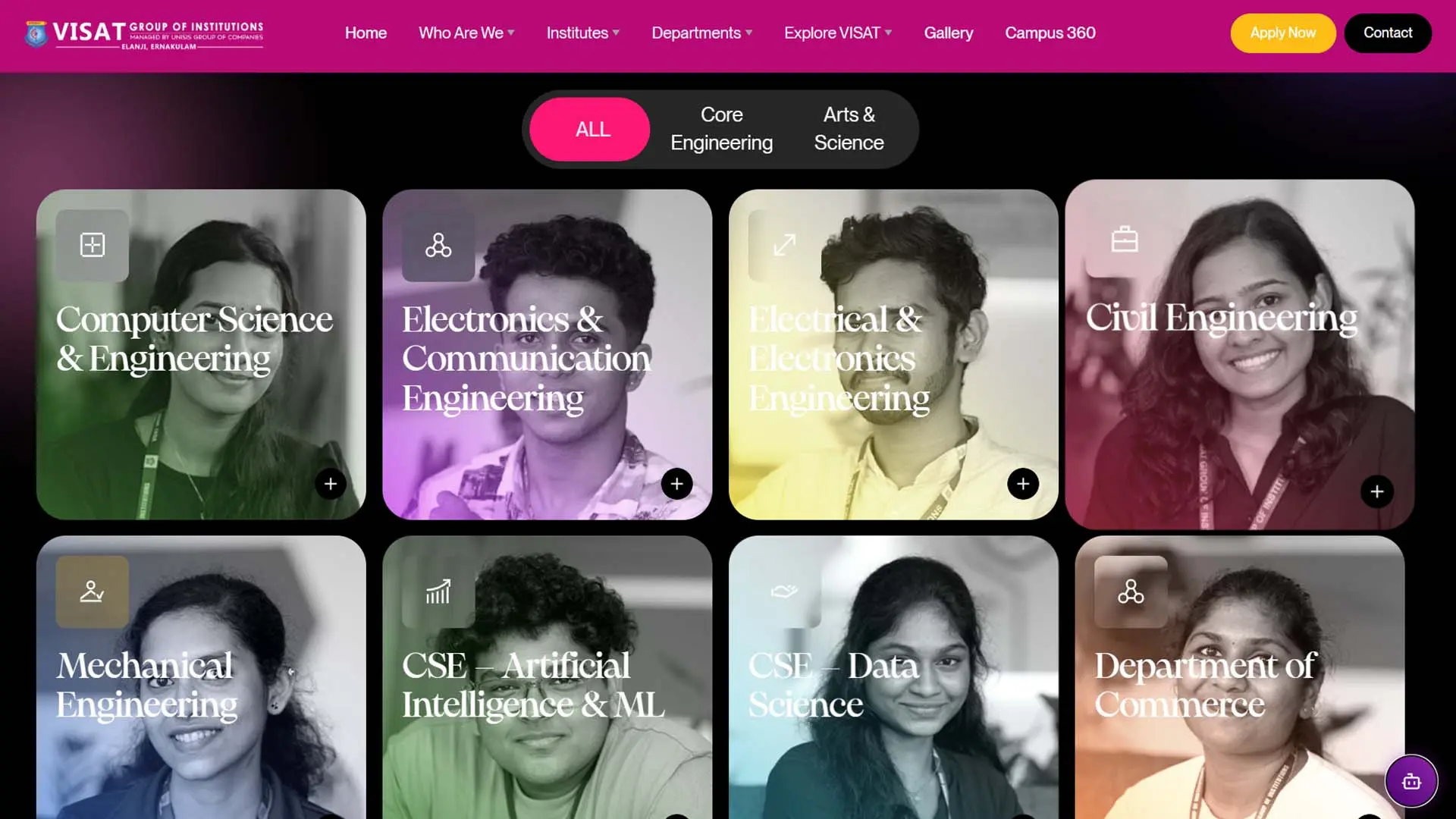
Before vs.
after
Algon Solutions delivered a stunning, highly impressive product perfectly on schedule, exceeding all our expectations.
Want results like these? Let's talk about what we can build together.
Start a project